Pier Python Cranky Cards
A downloadable game for Windows and Linux
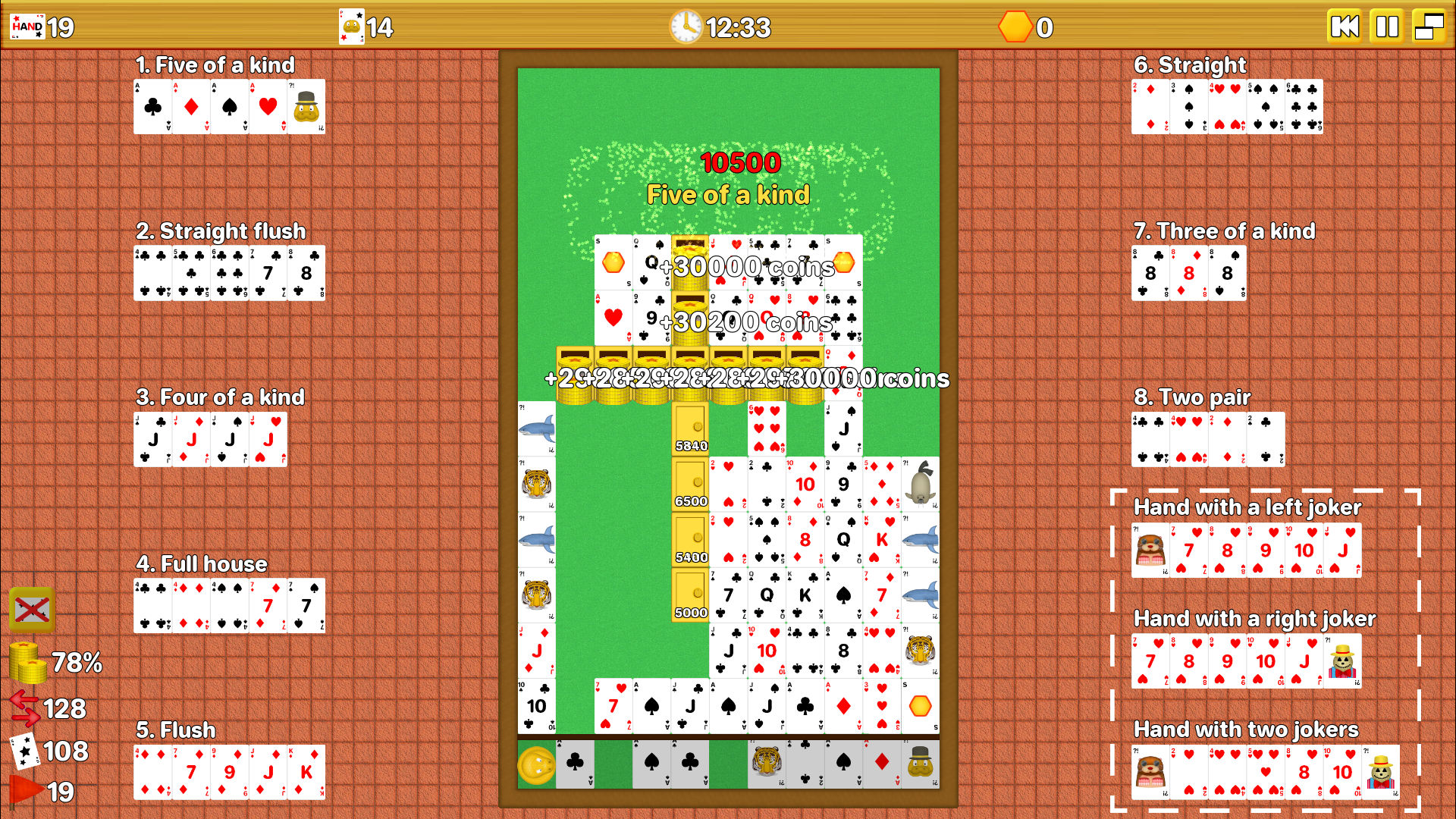
A python plays cards. Yes, even a python plays cards now. He's Pier, he's yellow, he's quirky, but he isn't crazy (even if a nice chat with a good psychologist wouldn't be a bad idea).
Besides him and the cranky poker cards, there are suspicious strongboxes which are going to burst and shy golden coins which must be taken from them (because they're always handy).
Description
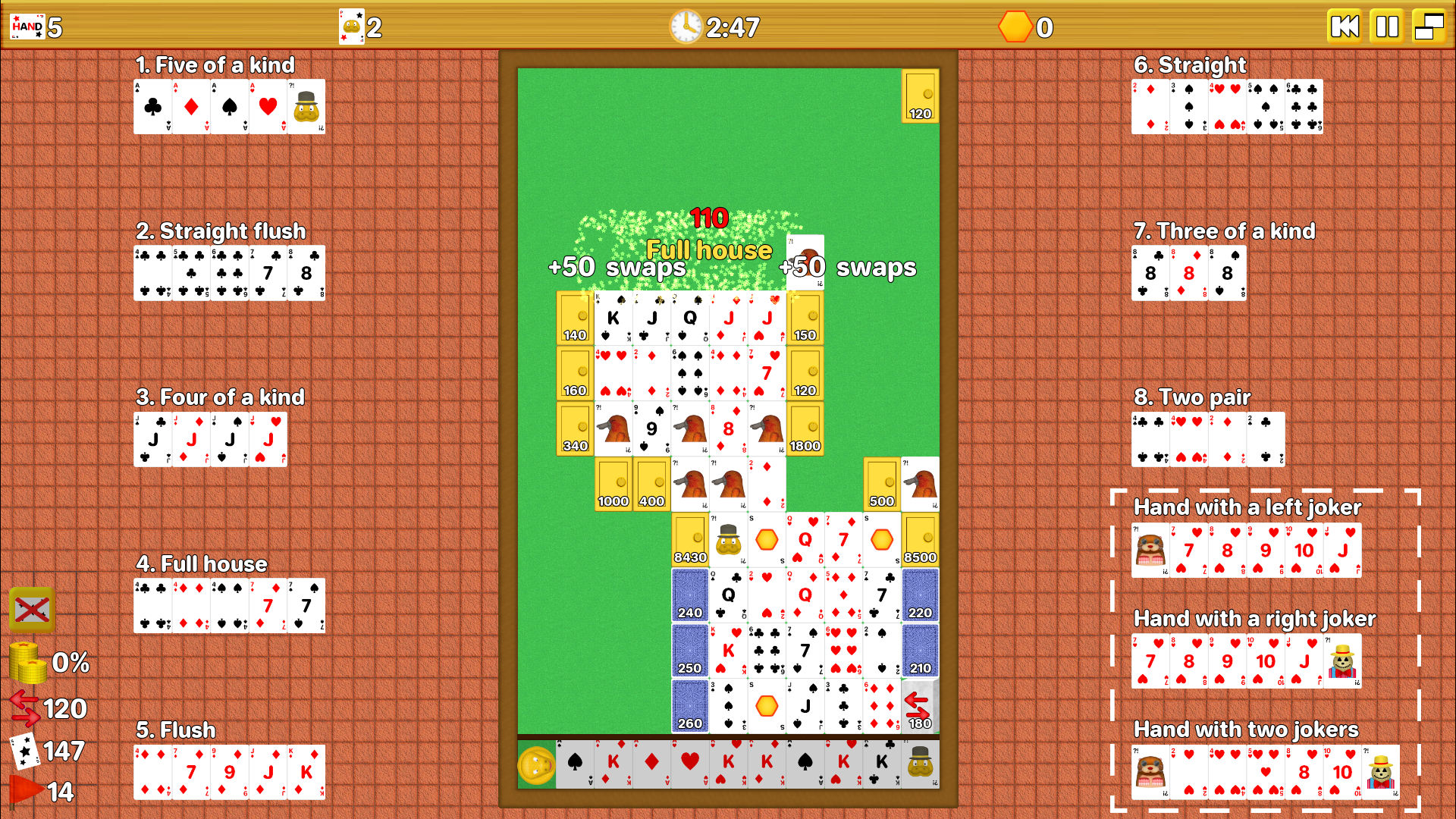
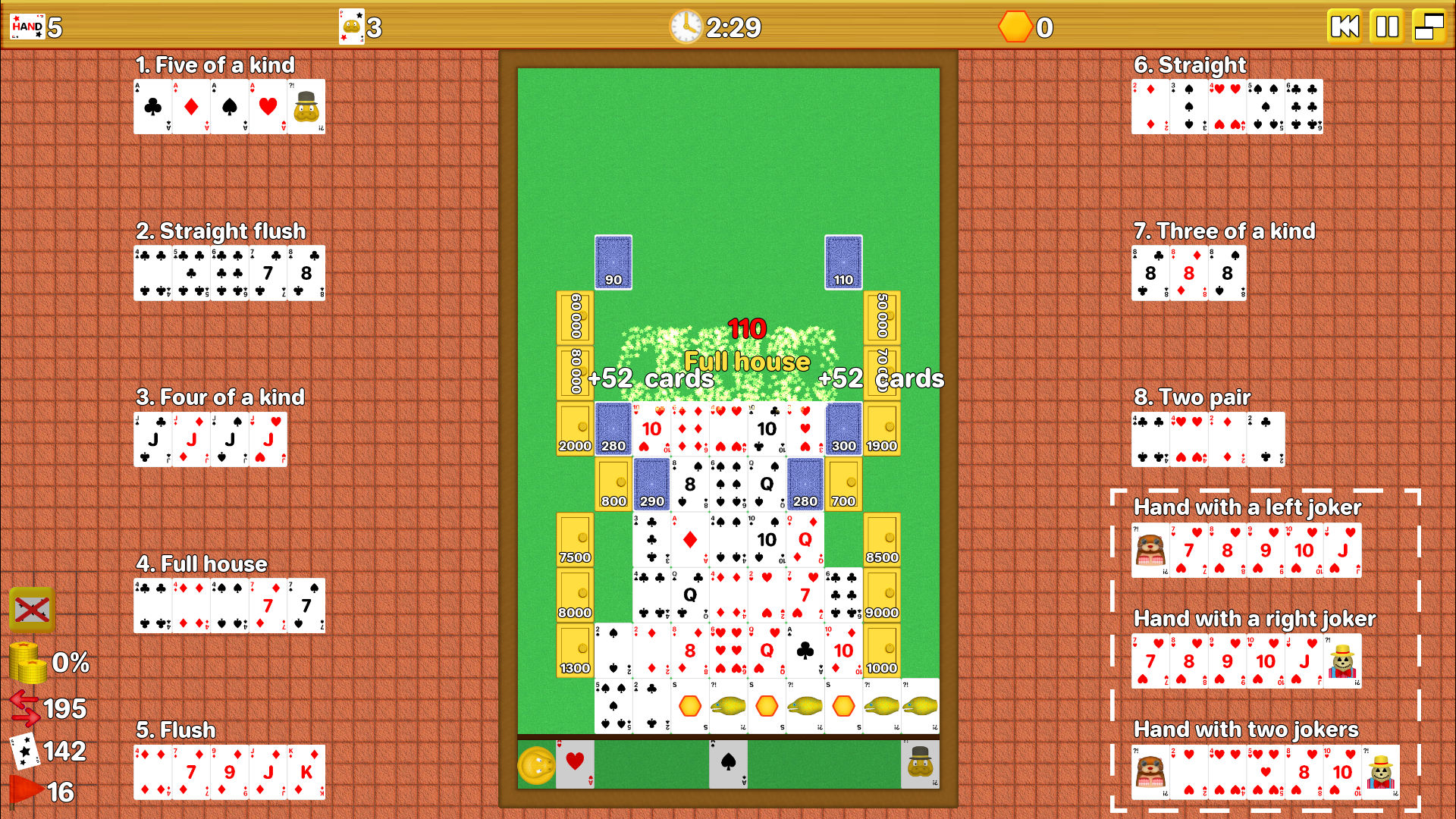
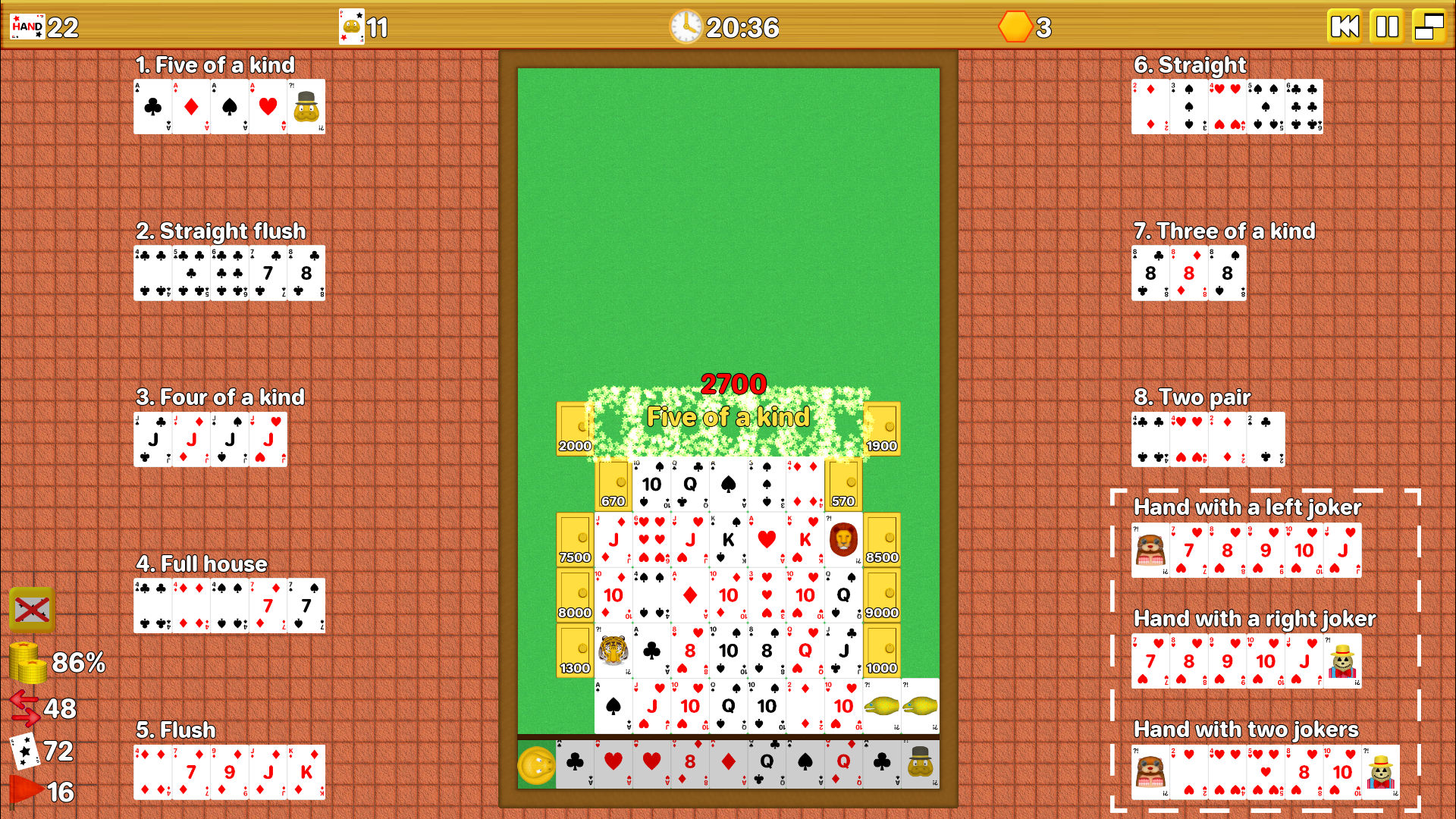
The gameplay is simple and engaging (maybe). Just swap cards on table field or move them from the table border to the field. In this way, you can play poker hands near strongboxes and open them with a deserved blast. You can put cards horizontally or vertically (but, in the former case, you get a higher score).
The score of the hand played has effect on the nearest strongboxes in the same row (in case of a horizontal hand) or in the same column (in case of a vertical hand). If you open all the strongboxes and collect all the coins inside them, you win.
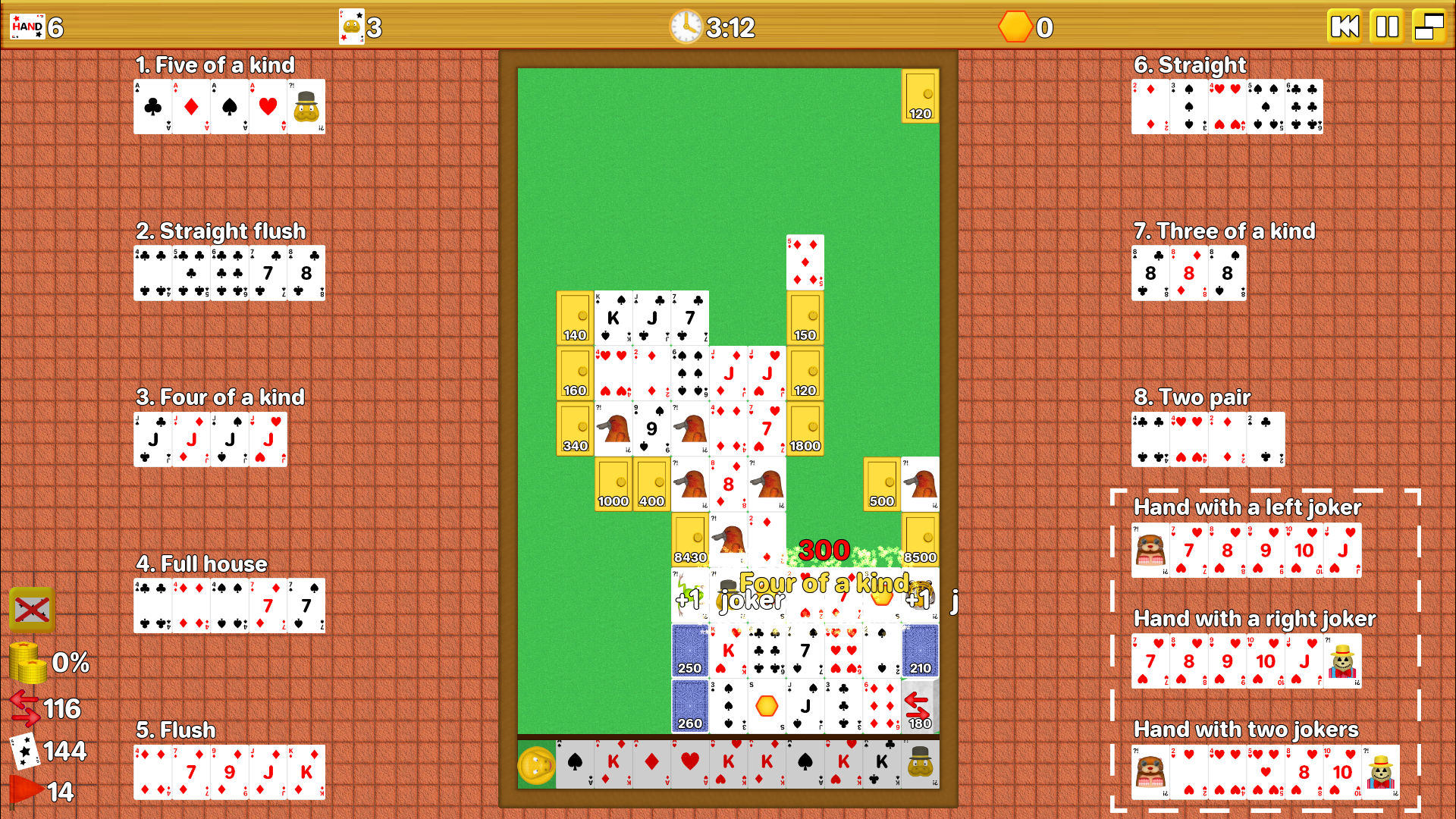
However, winning is not so simple: strongboxes have a score on themselves and they burst only when it's reached by playing poker hands with high enough scores near them. Five of a kind gives the highest score, double pair gives the lowest one and all the other poker hands in between gives intermediate scores. Cards swaps are limited. Pier can deal new cards if you need, but the cards in the deck are limited, too.
Moreover and above all, there are many jokers which appear on table as you go on with stages and which spice the game by giving you some advantages (if you use them well).
If you win all the 20 stages on the first try, the game lasts nearly 4 hours, but the stages get harder and harder, so you might have to play some of them more than once.
Controls
Move the mouse (or the finger on touchpad) and click on the card that you want to select (a flashing red rectangle will appear).
Click on another card to swap their positions or click on an empty space above other cards or above field border or above special objects (like strongboxes or flipped cards) to move the card there.
If you want new cards from deck, press the Z key or click on Pier.
If you want to deselect an already selected card, press the X key or click on the same card again.
If you want to discard a card, select it and press the C key or click on the Discard button on screen.
Press the backspace (or click on the rewind button on screen) to restart the current stage.
Press the start button (or click on the stop button on screen) to pause the game.
Click on the window button to open the menu and resize the window (vertical window, horizontal window, full screen).
System Requirements
Windows (minimum):
- Operating System: Windows 10 (or higher) 64 Bit
- Processor: 1.0 Ghz Dual Core 64 bit
- RAM memory: 4 GB
- Graphics Card: any GPU with 1 GB of VRAM supporting OpenGL 3.3
- Memory: 170 MB of available space
Linux (minimum):
- Operating System: Linux 64 Bit (Ubuntu 20.04 or higher)
- Processor: 1.0 Ghz Dual Core 64 bit
- RAM memory: 4 GB
- Graphics Card: any GPU with 1 GB of VRAM supporting OpenGL 3.3
- Memory: 140 MB of available space
SHA256 (Windows build):
d96ce22500dc6d55634247cd69004962a685f0c5fbd58e18c41fdf0e177c88b5
SHA256 (Linux build):
8db0aa1a3ca311767d6f1f6daa7beea0dcfe312e7ba543c6ec4d1c43e894d177
Purchase
In order to download this game you must purchase it at or above the minimum price of $2.90 USD. You will get access to the following files: